Mastering Kling Image 4.0 Series Mode and 2,000-Character Typography
How to plan coherent 2-to-10 frame storyboards in Series Mode and keep headlines, menus, and posters crisp with Kling Image 4.0.
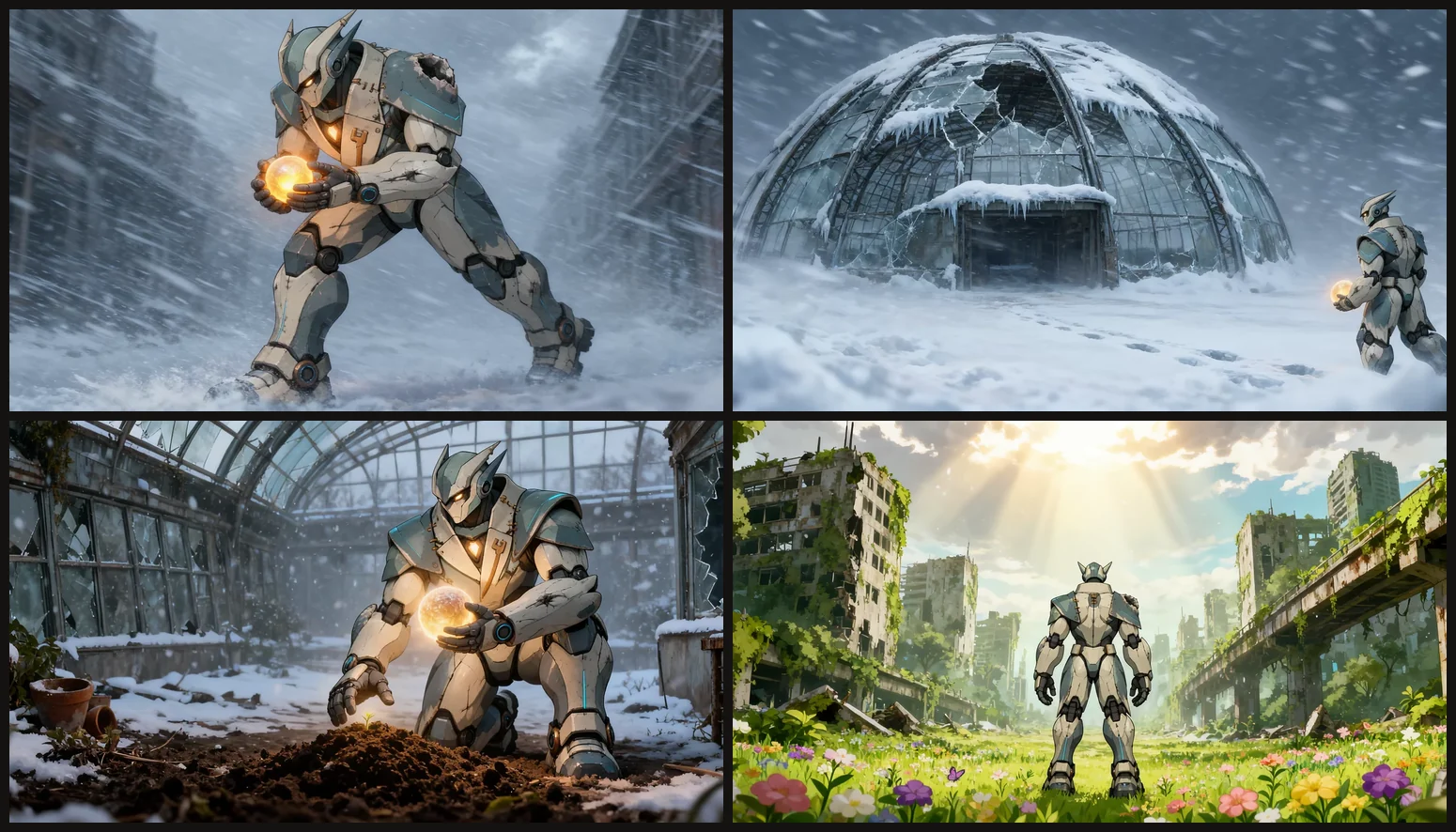
Generating isolated single frames often breaks character wardrobe, prop geometry, or color grading between shots. Series Mode in Kling Image 4.0 solves continuity by planning 2 to 10 sequential images inside a single shared context window.
Planning Coherent 2–10 Frame Sequences
Switch the mode selector inside the Studio parameter popover from Single to Series, then pick your exact frame count (2 through 10).
In your prompt, outline what remains invariant first, followed by frame-by-frame camera progression:
- Global Anchors: protagonist design, primary prop, palette, and lens style.
- Per-Frame Beats: label
Frame 1,Frame 2,Frame 3, andFrame 4with clear spatial transitions (wide establishing shot → medium action → macro close-up → resolution).
Rendering Legible Dense Copy (Up to 2,000 Characters)
Kling Image 4.0 renders up to 2,000 characters across English, Simplified and Traditional Chinese, Japanese, Korean, Spanish, and Portuguese while organizing visual typography hierarchy automatically.
To minimize spelling drift on complex posters or café signage:
- Enclose exact strings inside quotation marks (
"SMALL BATCH ROASTERS"). - Separate headline hierarchy explicitly (
giant yellow header reading "..." and smaller white subtitle reading "..."). - Prefer 4K or 8K whenever your layout includes dense body copy or fine menu pricing tables.